STUDENT ENGAGEMENT & ACADEMIC SUCCESS
Operating since 1996, Smartsims’ simulations have been used by close to one million students over 20 countries. Scalable and flexible, our educational business simulations adapt to courses of any length or size. The Smartsims team are available to assist with integration, course content and structure. Setup is easy and the simulations are completely automated with your own interface for monitoring the simulation.
FUN, EASY-TO-USE, ONLINE APPLICATIONS
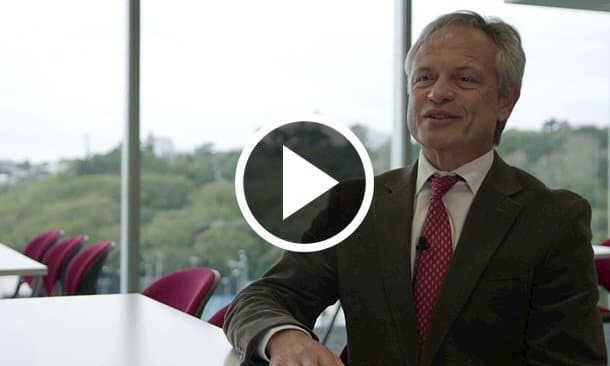
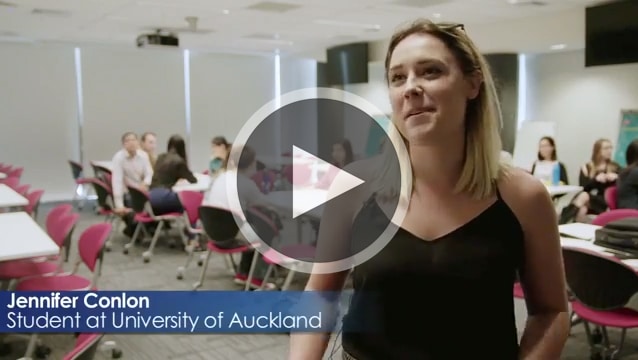
The Smartsims Experience gives students a genuine business experience, in the classroom and/or from home, as they manage their own virtual company individually or in teams. Business theory is brought to life as students put into practice your course content in a fun and engaging learning environment.
our partners
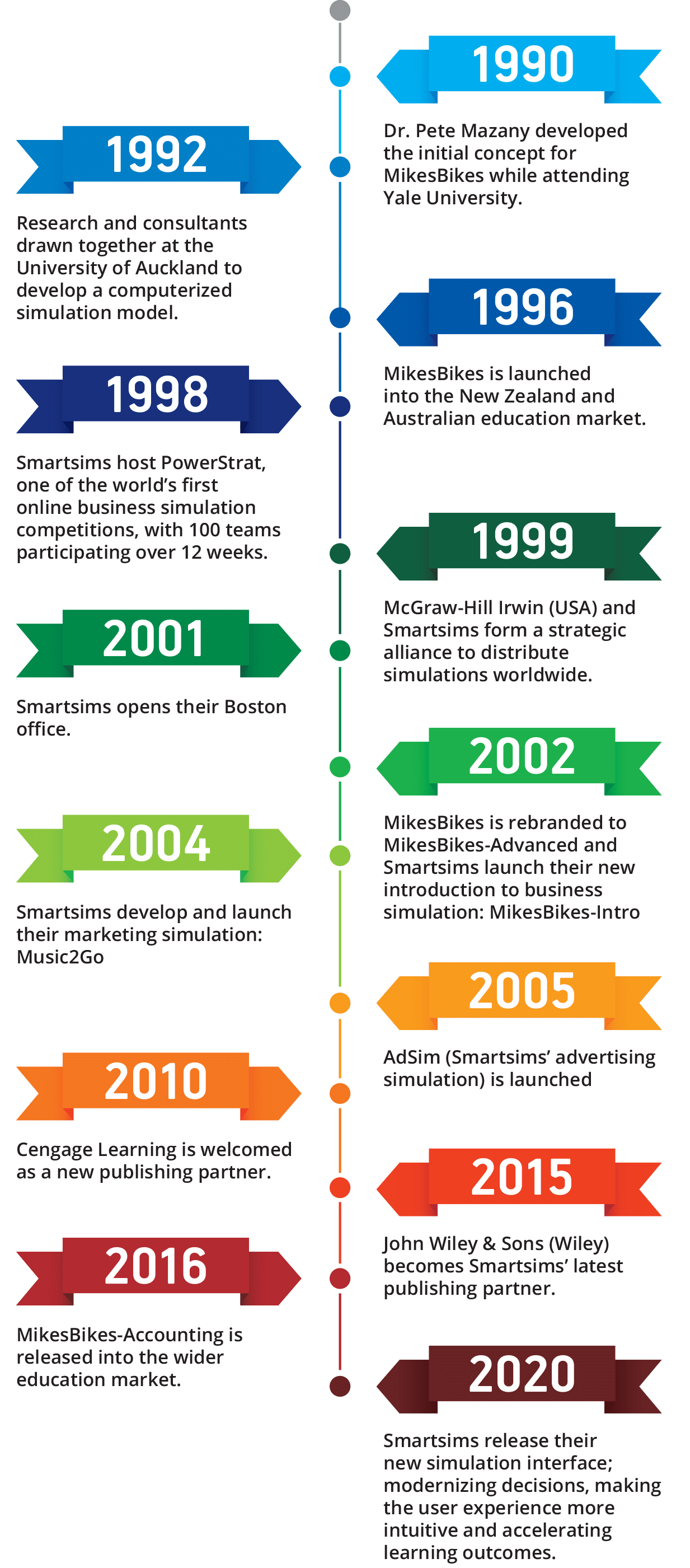
our history
meet our key people
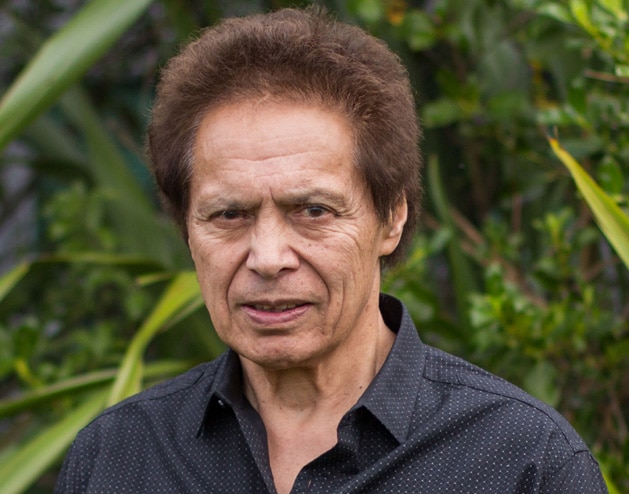
Dennis T. Gain
President & Chief Executive Officer
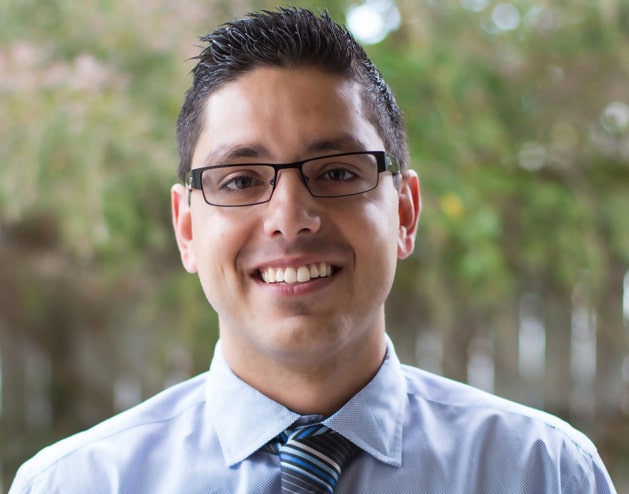
Ian McPherson
Vice President & Chief Operating Officer
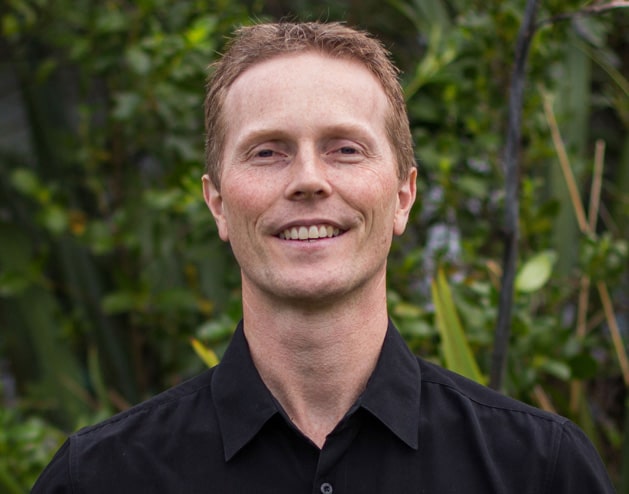
Nick Hook
Vice President & Chief Technology Officer
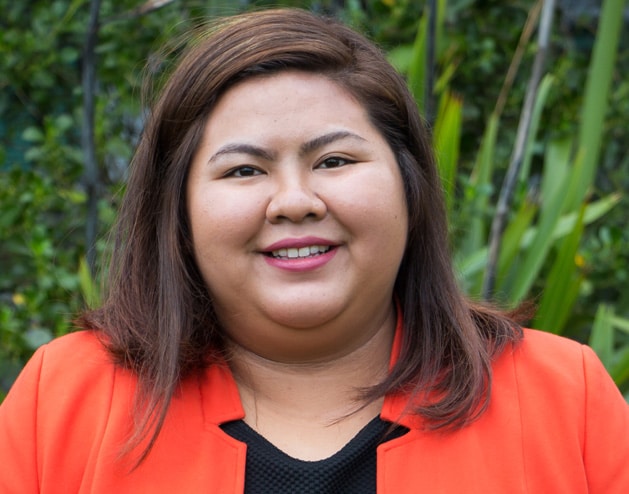
Camille Canuto
Senior Sales & Marketing Executive
–>
Our Locations
boston office
5 Willow Lane
Bedford, MA 01730-1380, USA
Phone: +1 781 933 2333
Fax: +1 781 933 6266
Contact Us
auckland office