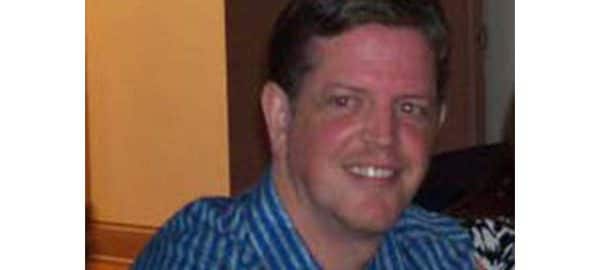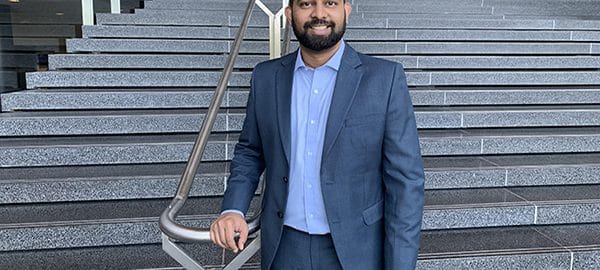
The article below is written by one of our previous students, Michael Stewart from Boston University. Michael took the Managing a Growing Enterprise course with Professor Greg Stoller and used MikesBikes Advanced as part of this.
Upon completion, he had the idea to incorporate MikesBikes Advanced into their program for this semester’s pledge class in their business fraternity, Delta Sigma Pi. The purpose of their fraternity is to foster the study of business in universities and to promote the association of students studying business for their mutual advancement through research and practice.
Michael is in charge of instructing the pledge (underclassmen students at Boston University) as they seek brotherhood within the fraternity. He felt that the simulation would be academically enriching and will create some level of competitiveness and enjoyment.
MikesBikes Advanced Experience in the Managing a Growing Enterprise course
This past fall, I was introduced to MikesBikes Advanced in my Managing a Growing Enterprise course at Boston University. This class was for students interested in pursuing Entrepreneurship and much of the lesson plan was focused on how to strategically position a new company in a competitive market.
Our Professor, Gregory Stoller, used the simulation to further our understanding of class material, as well as a tool to keep students engaged outside of the classroom.
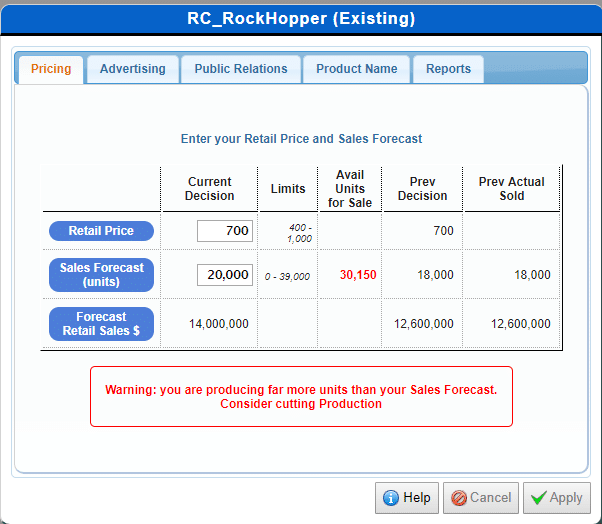
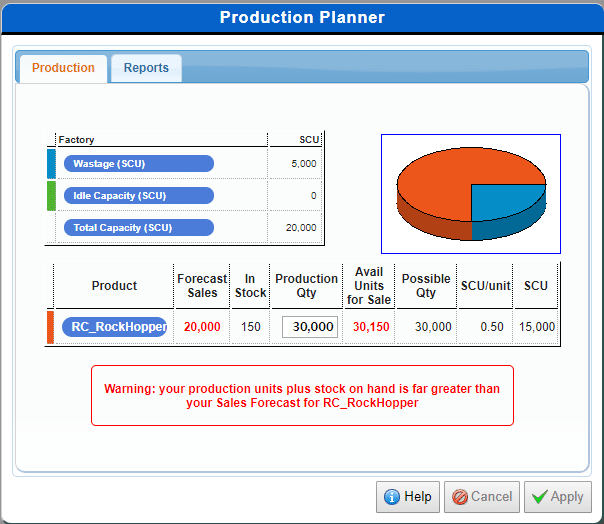
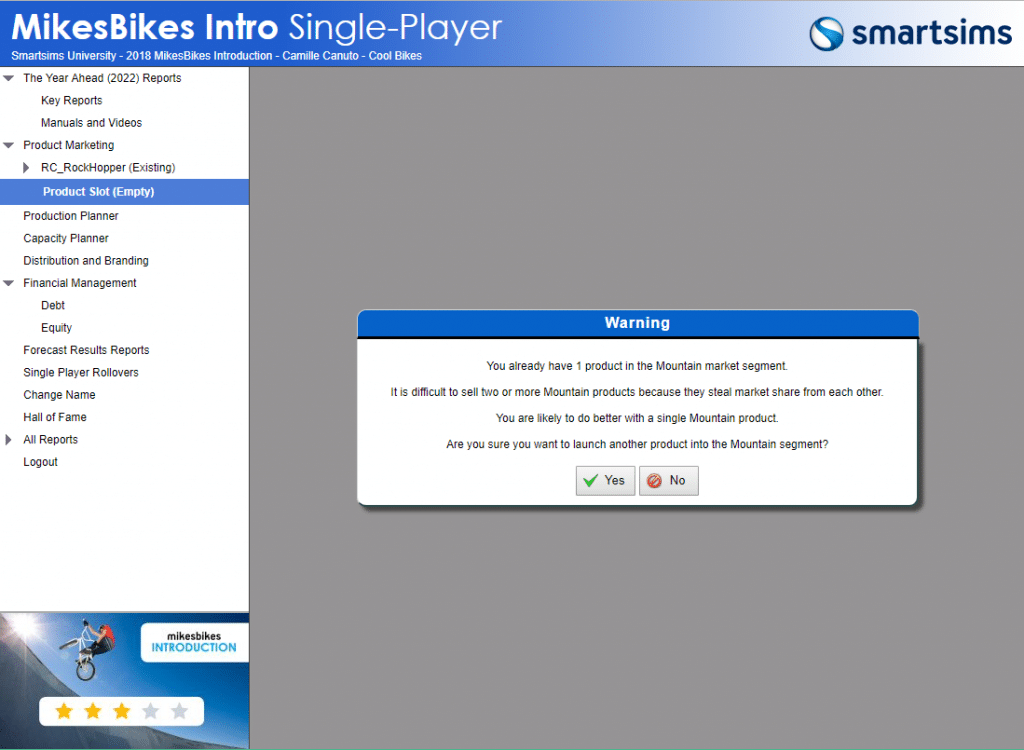
MikesBikes Advanced is an online business simulation that offers students the opportunity to run their own company, while managing all the key functional areas of a business. It is an interactive tool that applies the basic concepts of business in a real-life context. Through the simulation, we received hands on experience making marketing, operations, product development and financial decisions.
After introducing the simulation to us and dividing us into teams, Professor Stoller assigned us our first deliverable; the Strategic Plan.
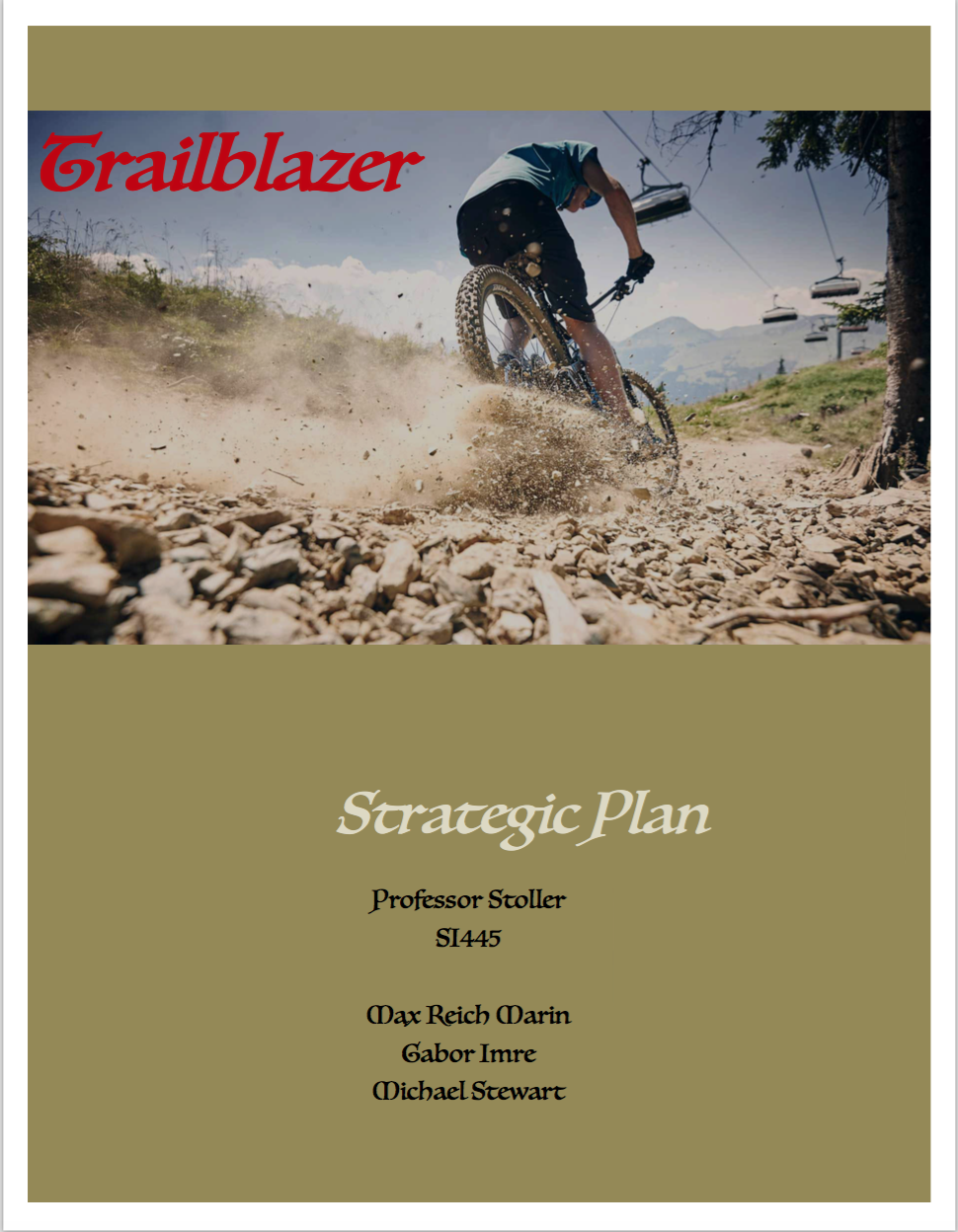
Our Strategic Plan set the guidelines of our businesses and assisted teams as they set variables for the first few weeks of the simulation.
The plan outlined our company’s mission, corporate and functional strategy and the key metrics that would be utilized to measure our company’s performance. The plan allowed for teams to show how they were going to position their companies relative to others in the virtual industry and how they were going to structure their spending in each functional area to achieve this position.
My classmates and I understand how much work would be involved in this assignment and found ourselves working on plans late into the night and often overnight into the morning they were due. This shows the complexity of the simulation and all the variables that you must stay apprised of over the course of the weekly rollovers. Once the first rollover hit, we still found that we failed to account for many of the variables that play into the shareholder value, which happened to be the most important metric in MikesBikes.
As the weeks passed, we saw the virtual market begins to take shape as teams began to adapt their strategies. Some teams chose to launch products into all possible market segments, whereas others held tight within only a few segments. By the end of the simulation, the teams that diversified their product found the most success. With only a few weeks left, teams who were behind did not have the time needed to launch new products and replicated the success of others. The lagging teams resorted to paying dividends and manipulating other financial variables in order to inflate their shareholder values in the final hour.
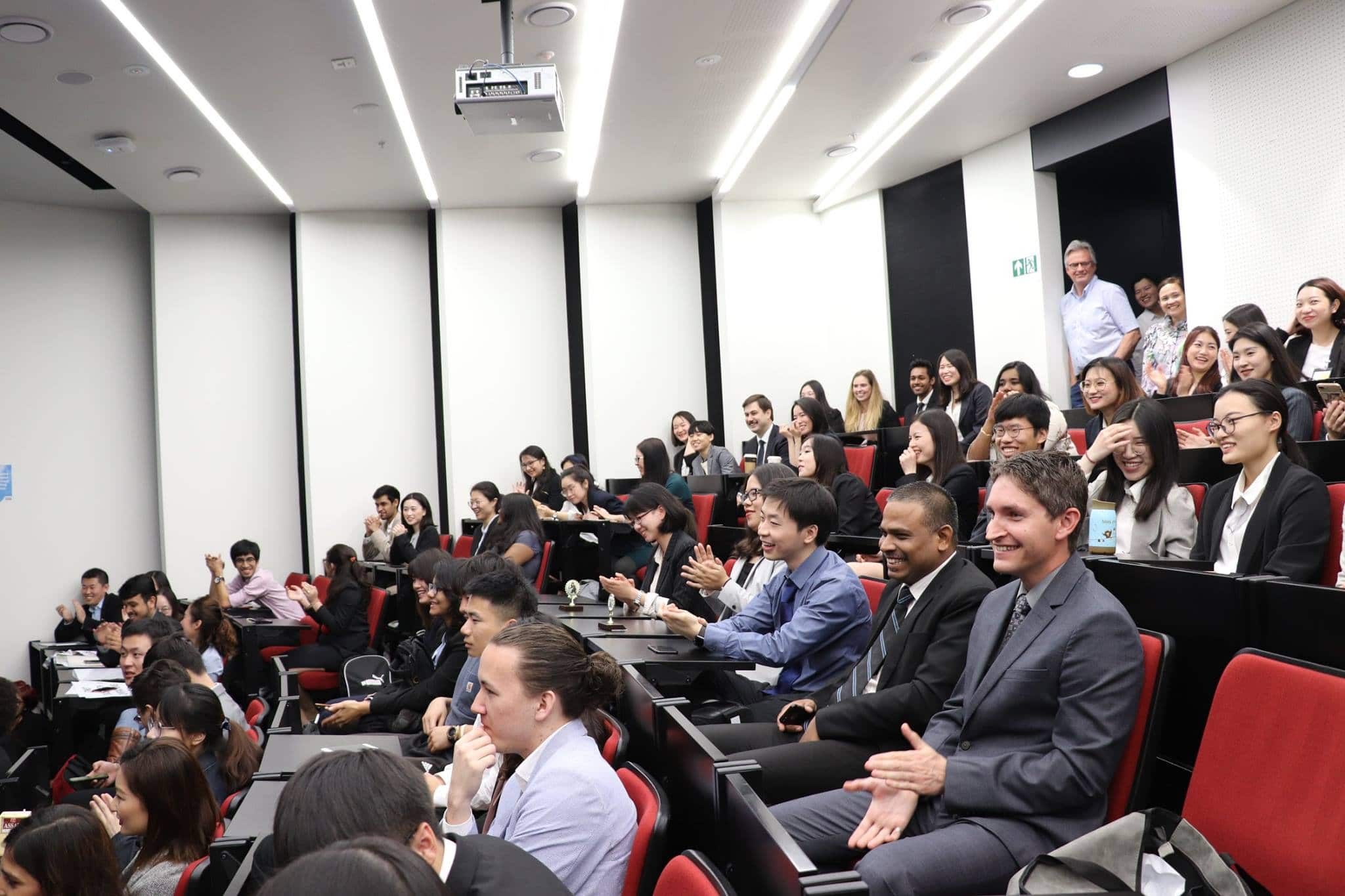
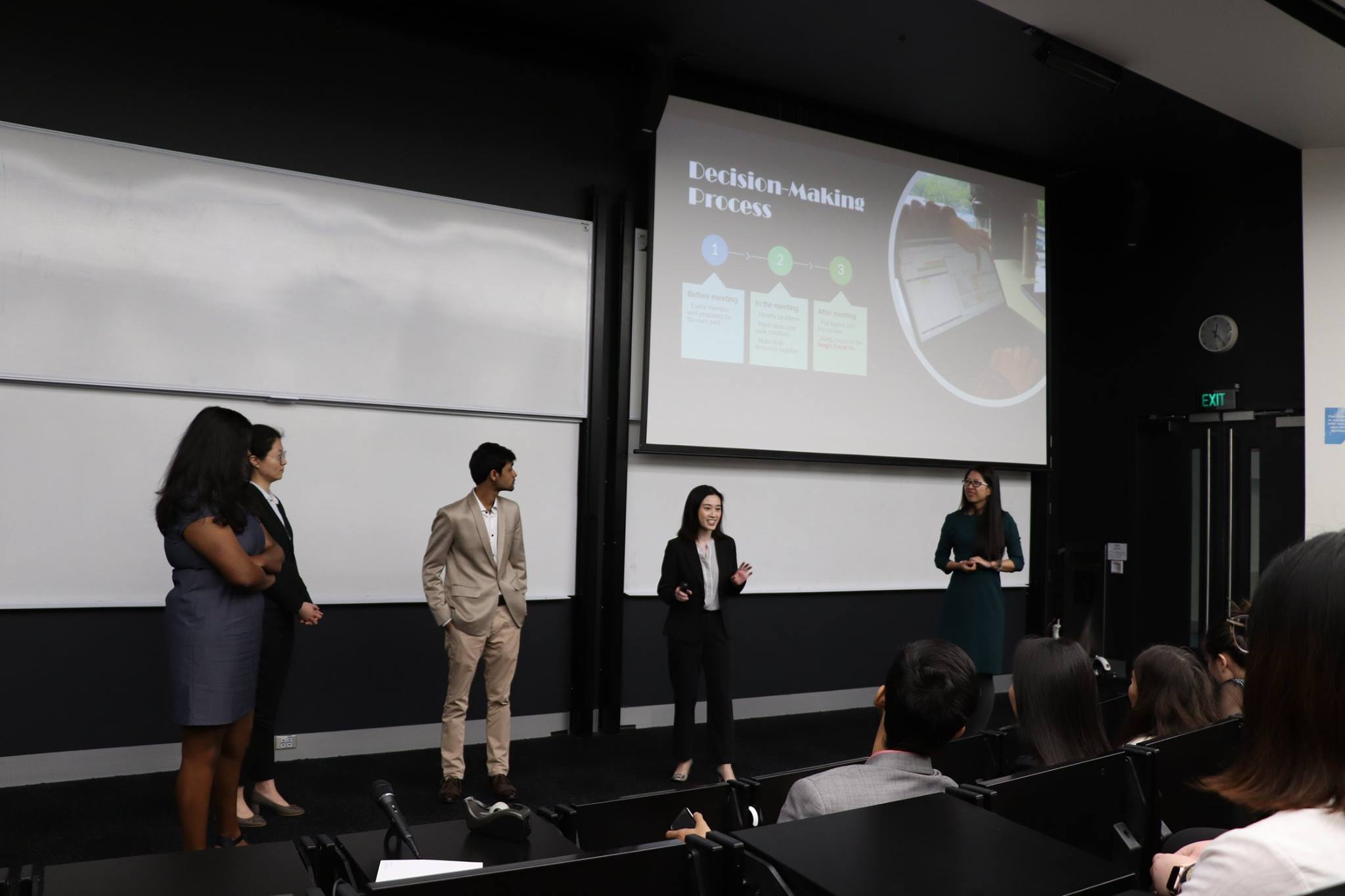
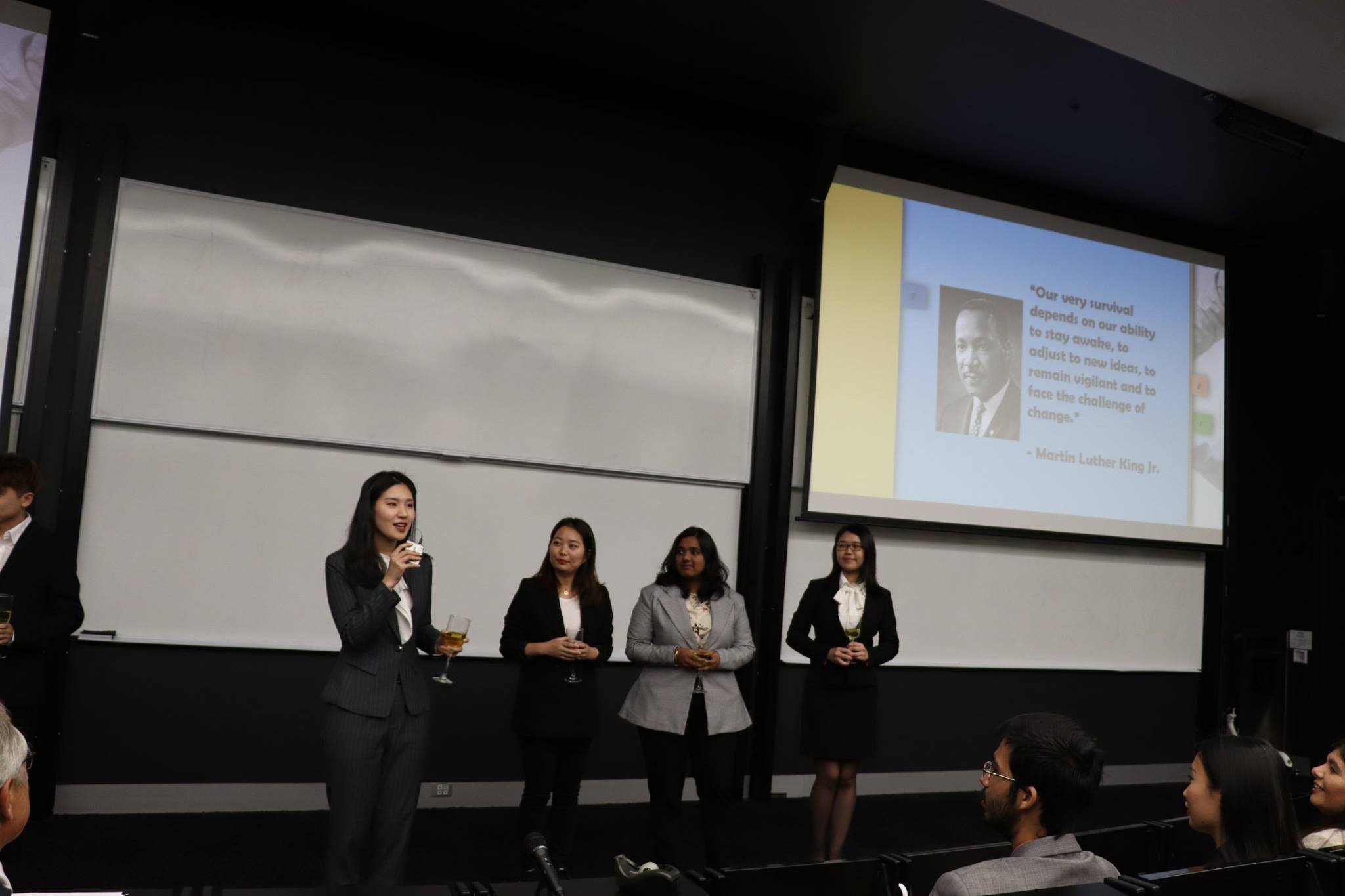
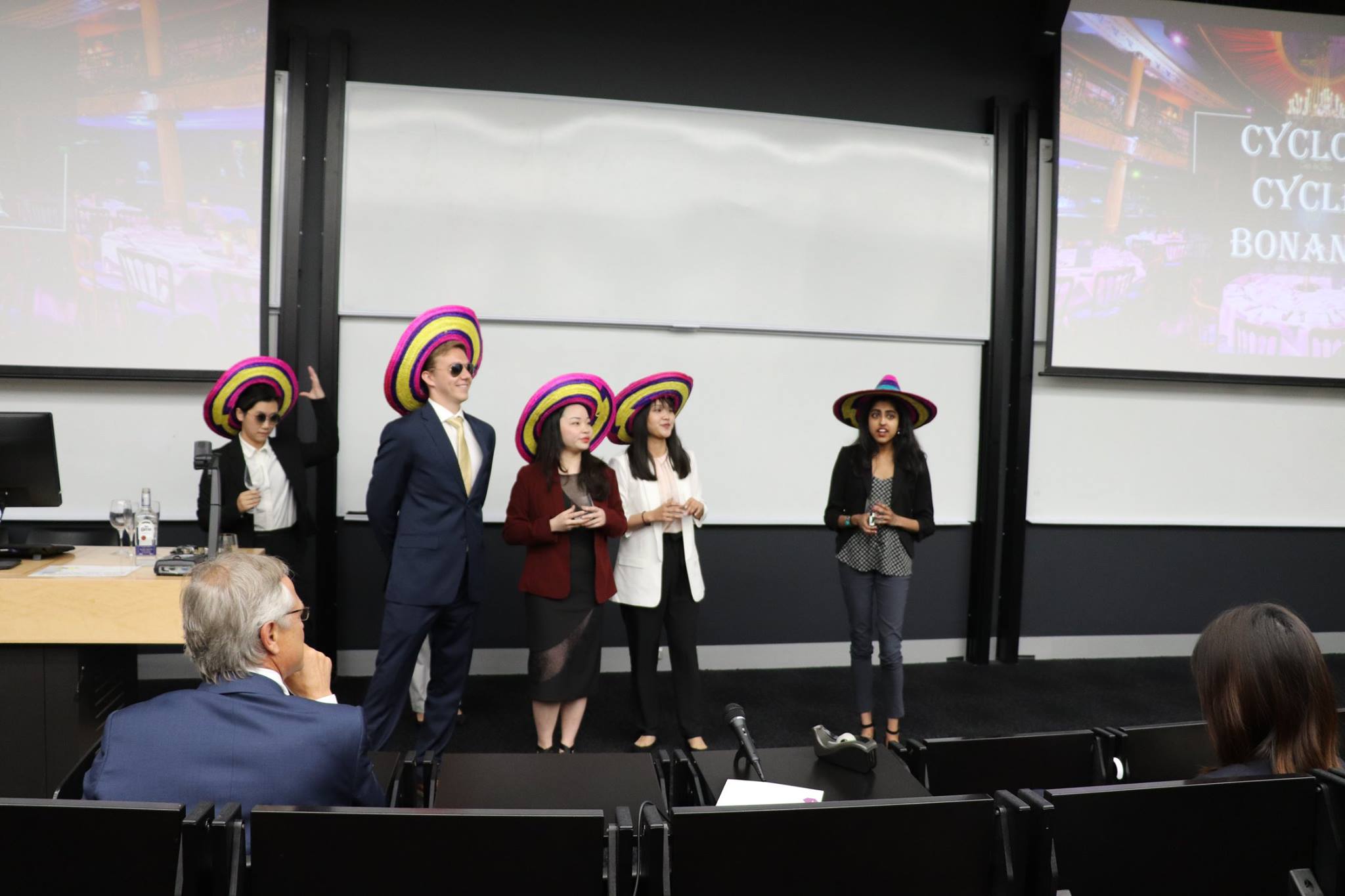
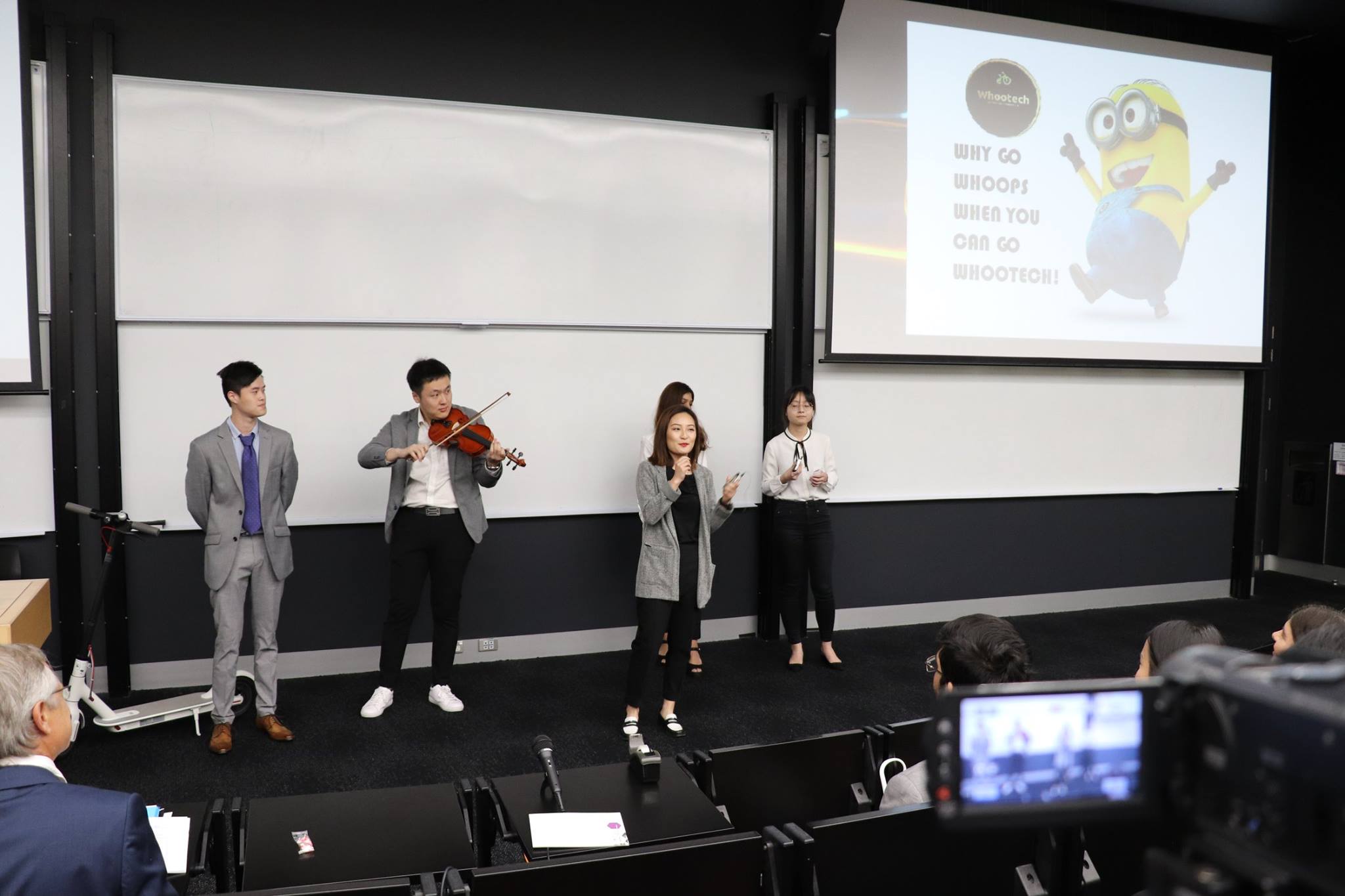
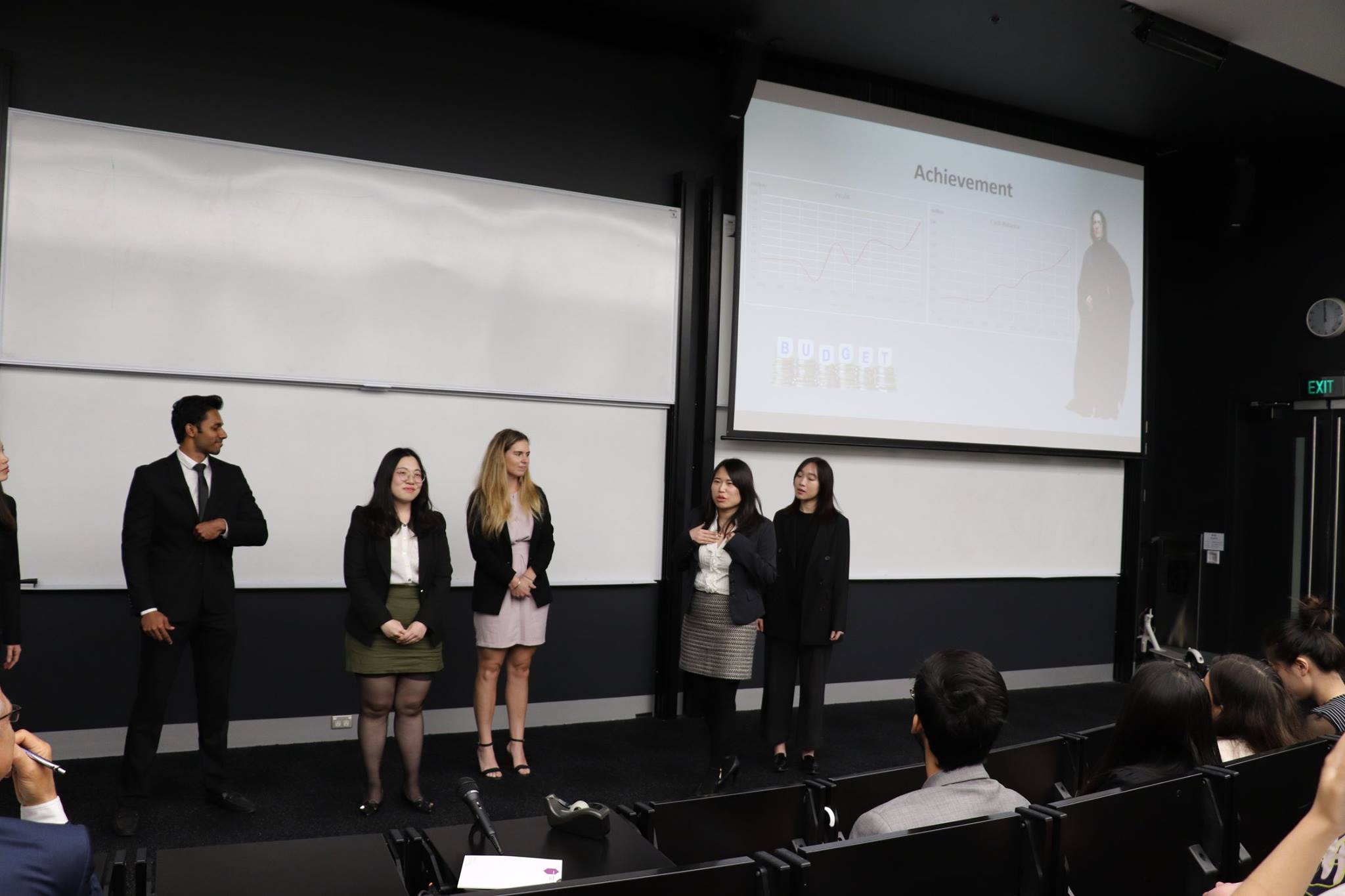
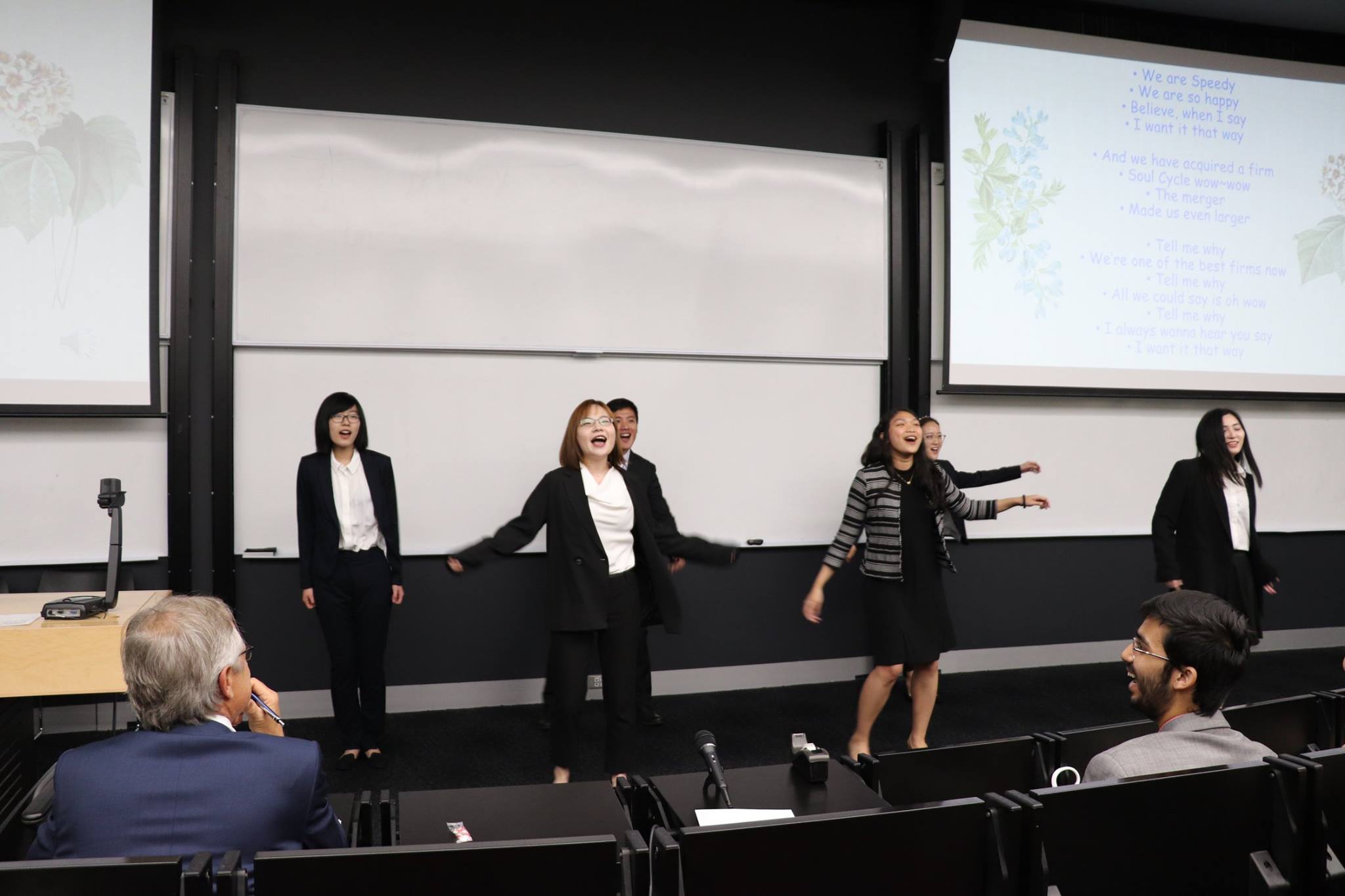
At the very end of the semester, each of the teams presented their performance and the lessons they learned from their experience in the simulation. Each team spent time discussing some of the mistakes they made early in the simulation and how they could have operated differently. The improper use of cash was a factor that impacted all the teams. Almost all the teams sat on heavy cash balances and did not use resources to reinvest back in their operations. It was not until the end of the simulation that we all began to pay dividends, buy back equity and pay off debt.
The simulation gave the class a more competitive feel than other business classes. Every Wednesday night my classmates and I would stay up to see who was on top after the weekly rollover. We spent hours trying to find the best ways to position our respective companies, may it be targeting a different segment or possibly improving product quality. We knew that if we found ourselves at the bottom of the rankings on Thursday morning, we would be subjected to some friendly banter among others in the class. As a rather small class, a shared bond developed within the group. It also helped that most of us had pre-existing relationships from our shared brotherhood in the business fraternity, Delta Sigma Pi.
Delta Sigma Pi (DSP)
Our fraternity, Delta Sigma Pi, or more fondly known as “DSP”, was organized in 1907 to bring students of commerce together, develop their skills and prepare them for the world of business.
Since its origin, DSP has attracted thousands of students to join its organization by emphasizing its four pillars: Brotherhood, Service, Professionalism and Scholarship. Along with a sense of identity, these pillars help guide DSP chapters across the country as they help mold young men and women into business leaders of tomorrow.
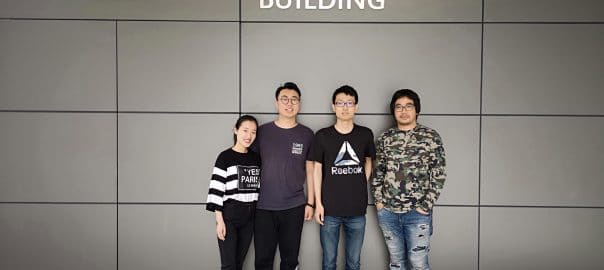
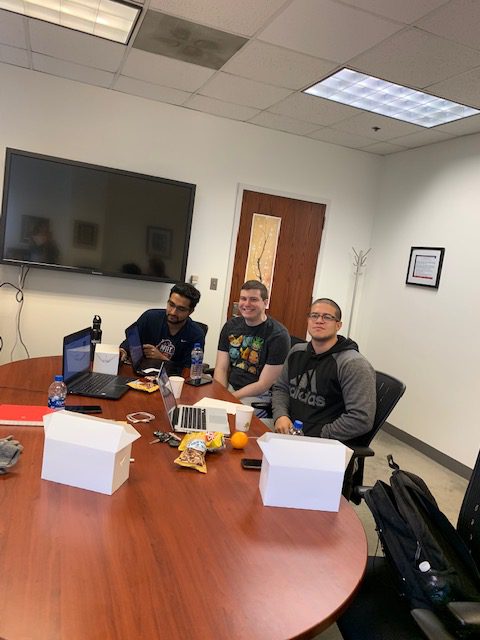
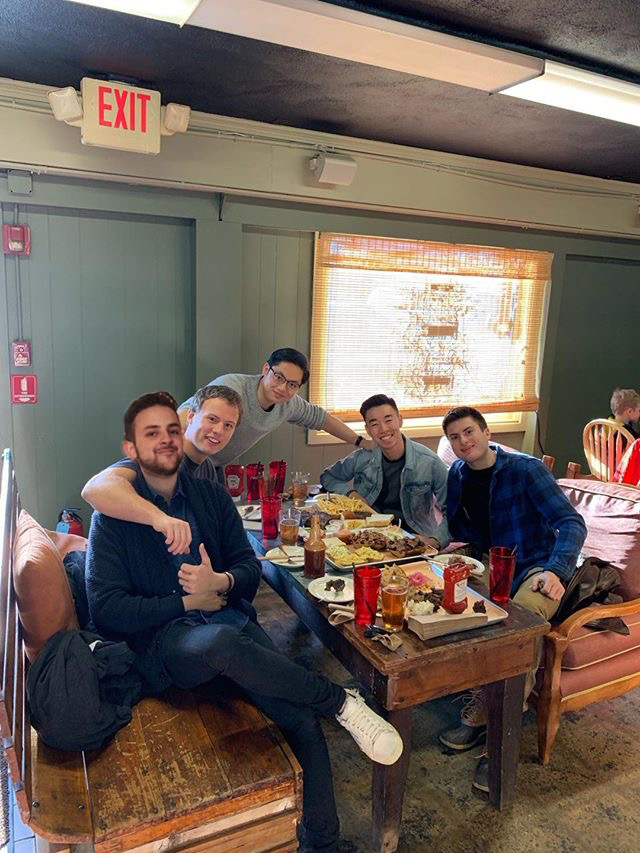
The shared brotherhood is also why we all found ourselves together in Professor Stoller’s class. The five of us all have interest in entrepreneurship, a few having some prior experience running their own companies. We were all driven by our shared desire to practice our business skills in an academic environment. Once a few of us signed up for Managing a Growing Enterprise, we quickly influenced others in the fraternity to join as well. I believe that this factor was what led to the simulation feeling so competitive – the fact that we wanted to have higher shareholder value than our brothers on the opposing teams.
Taking the class also opened our eyes to something that could be done to better our fraternity. Our chapter does not offer many outlets for our brothers to practice their business skills, work together in teams and compete against one another. We have been actively searching for different ways to accomplish this in the Spring 2019 semester. It is for this reason that we have decided to partner with Smartsims in order to share the MikesBikes simulation with our pledge class this spring.
After being introduced to MikesBikes this past semester, it became obvious to us that this could be a great tool to be added to our semester-long pledge program. Each semester, our new pledge class could take part in the simulation and practice their skills as they compete against one another. The simulation will provide the pledge class with an opportunity to better understand the functional elements that go into running a company.
MikesBikes Advanced at Delta Sigma Pi
Our plan is to run the simulation very similar to how it was conducted in Professor Stoller’s class. Of course, there will need to be many resources available to the pledge class as they will be less familiar with the functional areas of running a business as they are only underclassmen who have not taken some of the pre-requisite classes yet. We will address this concern by assigning advisers to each team and providing a two-week “ramp up” period before the first rollover.
Each team will work with the advisers to create Strategic Plans that will outline both their corporate and functional strategies. These plans will guide their decision making once the first rollover takes place. Advisers will continue working with teams throughout the semester and help guide them as they set variables that fit related to the simulation. The advisers will also help to further their understanding of topics such as trade-offs, competitive positioning, and other business-related activities. Since these topics are relative to almost every sector of the business world, these students will gain much value from taking part in this experience even if they have no aspiration towards running their own company.
The final deliverable will be a team presentation during which the pledges will talk about the lessons they learned and critical decisions that had the most impact on their performance. We hope this will be a reflective exercise that will also allow the pledges to practice speaking in business settings.
The winning team will be decided by both this presentation and simulation performance. The presentation will also be a tool for Administrators to review how to better implement the simulation in the future with pledges who have no prior entrepreneurial experiences.
As a fraternity, we are looking forward to seeing how we can further experiment with the MikesBikes Advanced simulation. We are certain that it will provide academic value to the pledge class. However, we are realistic in that we expect there to be some kinks given that this is our fist attempt implementing the simulation. We feel fortunate to have the opportunity to share this experience with the pledge class and hope it ignites an interest in Entrepreneurship.
Michael is currently running the MikesBikes Advanced simulation until April, so stay tuned for the next article featuring their pledges experience with the simulation!
Related Articles:
Student Success Stories: Peter Johnson from Des Moines Area Community College
University of Auckland Business Masters’ MikesBikes Presentations